Session Settings
SETTINGS > SERVICES > Session Settings
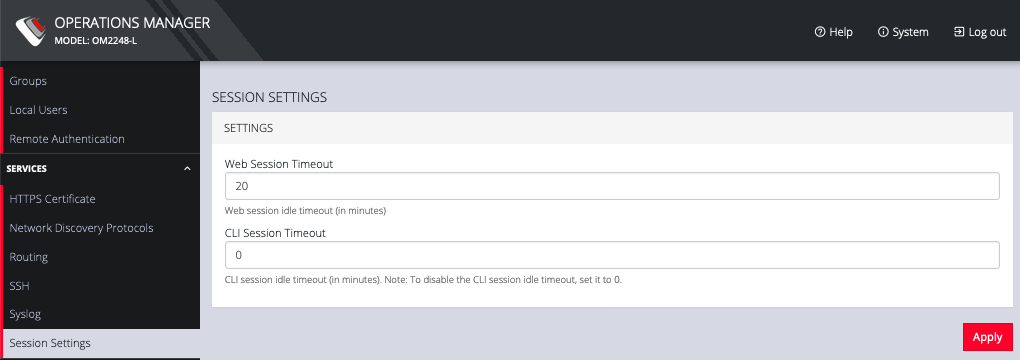
To modify Web and CLI session settings navigate to the SETTINGS > Services > Session Settings page.
-
Web Session Timeout: This value can be set from 1 to 1440 minutes.
-
CLI Session Timeout: This value can be set from 1 to 1440 minutes or set it to 0 to disable the timeout. Changes take effect the next time a user logs in via the CLI.